
Blur what's private
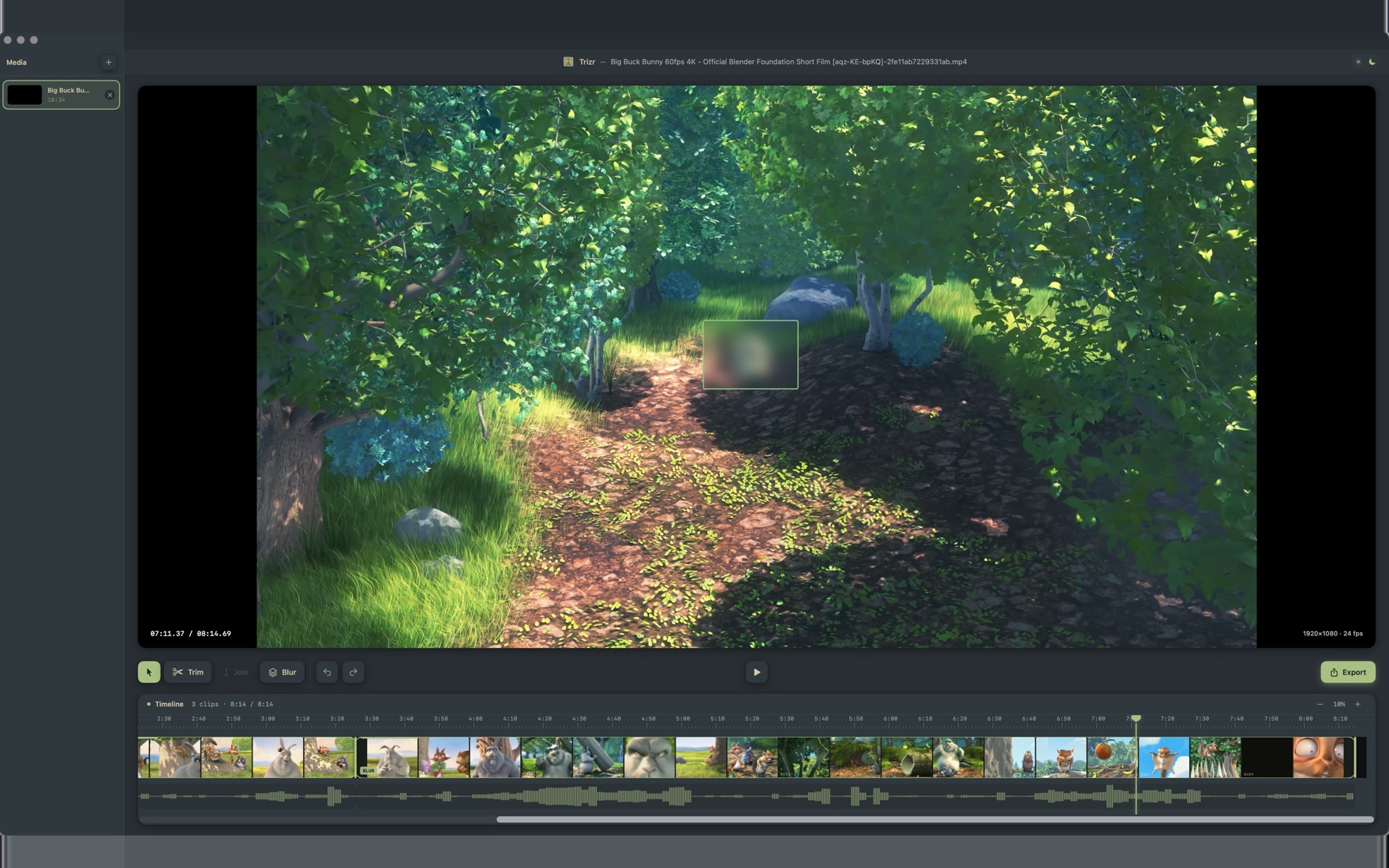
Draw a box over a face, a licence plate, an address bar, a token or an inbox. The mask rides along with the clip and is baked into the export.
Region maskingFaces, licence plates, street addresses, an API key or an inbox caught in a screen recording — draw a box and it is gone from the export. Trim and join clips while you are there, then export up to 4K. Everything renders on your Mac. Nothing is uploaded.
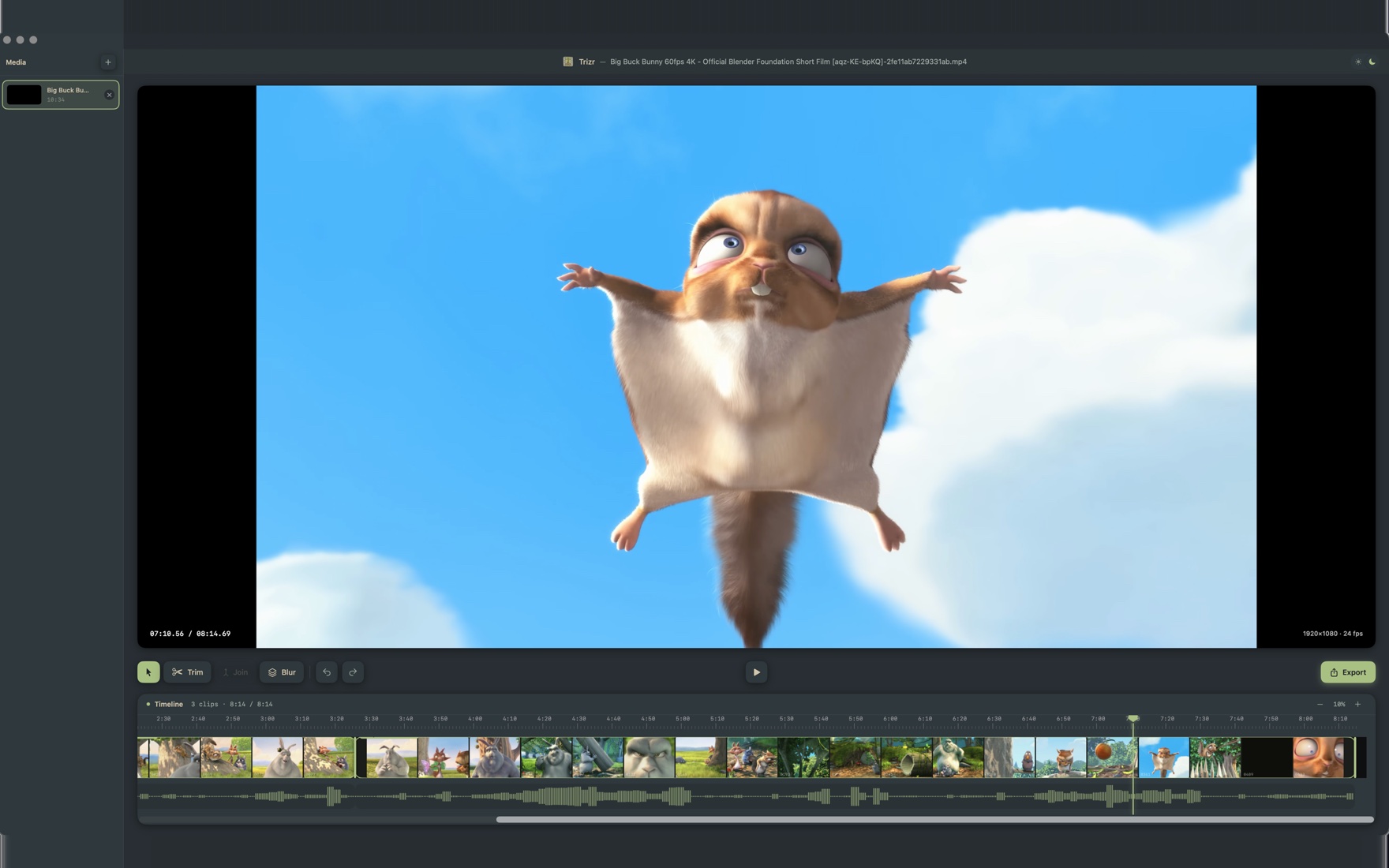
A focused toolset that stays out of the way — built with SwiftUI to feel like it belongs on macOS.
Draw a box over a face, a licence plate, an address bar, a token or an inbox. The mask rides along with the clip and is baked into the export.
Region maskingDrag the handles or split on the playhead. A 0.3 s minimum keeps cuts clean, and every edit is undoable.
Frame-accurateDrop several clips on the timeline, drag to reorder, and stitch them into one continuous export.
Multi-clip timelineReal thumbnails and an audio waveform, with pinch-to-zoom from a bird's-eye view down to the frame.
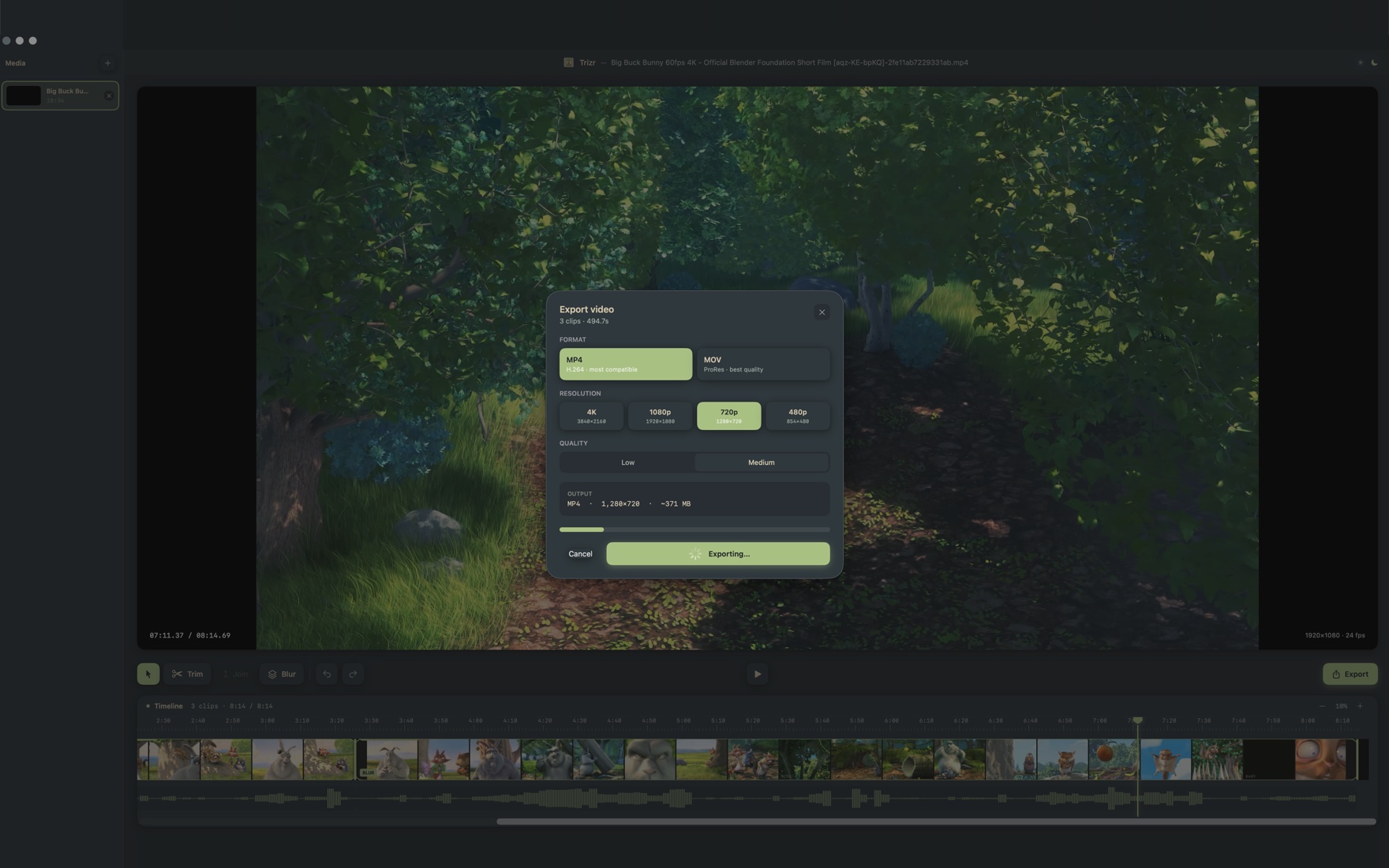
Thumbnails + waveformMP4 (H.264) for sharing or MOV (ProRes) for quality, at 480p through 4K. Live size estimate before you commit.
Up to 3840×2160Sandboxed, with no analytics, no telemetry and no server of ours. It reads only the files you hand it, and your footage never leaves the Mac.
No tracking, everAdd video from the sidebar and it lands on the timeline instantly. The preview handles common formats — including AV1 and HEVC — with no conversion step.
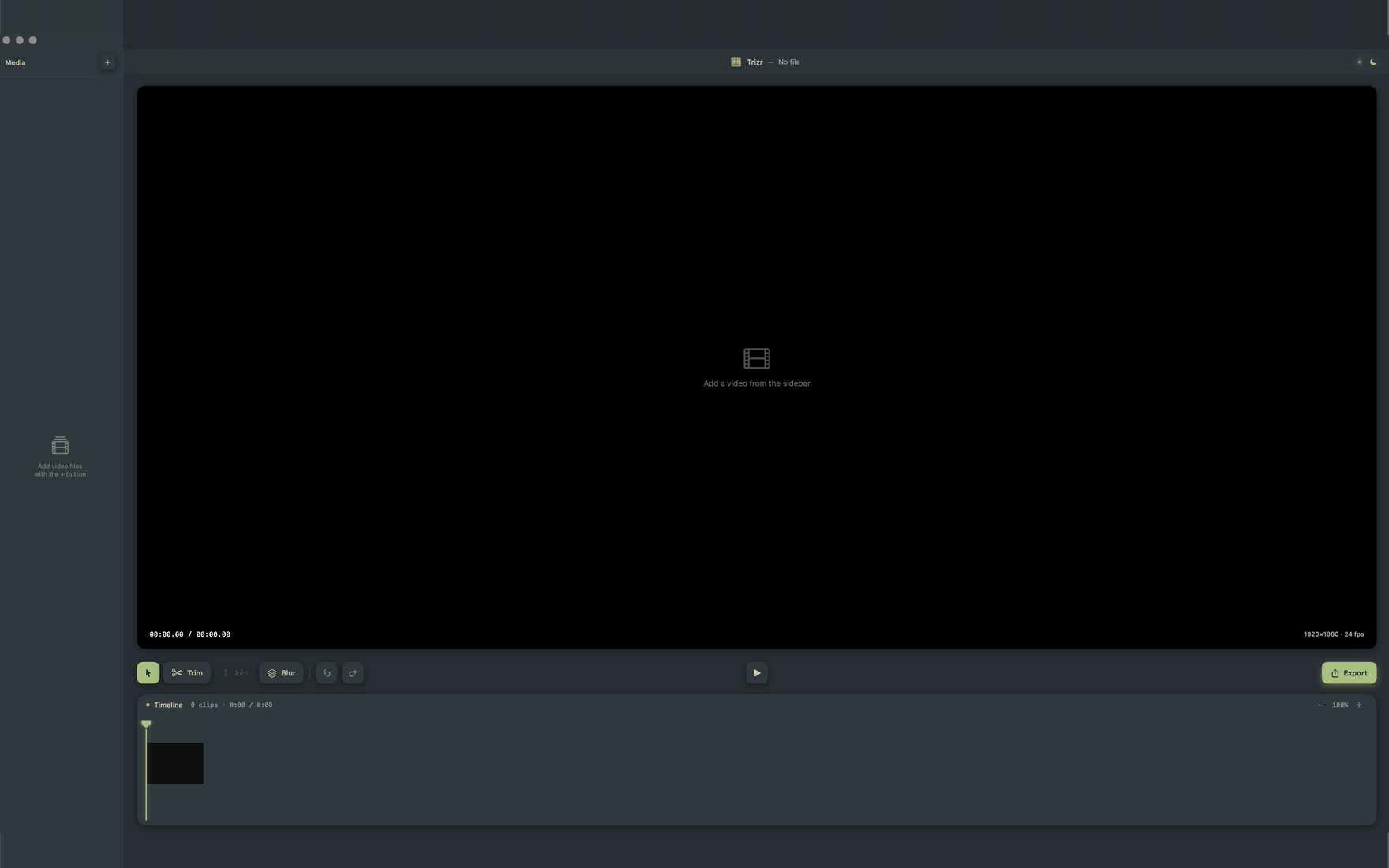
Grab the Blur tool, drag a rectangle over a face or a piece of text, and it's masked in the export. Perfect for tutorials, demos, and screen recordings.
Pick MP4 or ProRes, choose a resolution and quality, and Trizr shows the estimated file size before it starts. Then it renders — right there on your Mac.
Trizr is sandboxed, with no accounts, no analytics and no server of ours. Blurring and exporting run entirely on your Mac and your footage is never uploaded — the app’s single network permission is used only by Apple’s StoreKit to check your Trizr Pro purchase.
Trizr 1.0 is out. Grab it — or ask us anything first.